Libby Help
I have a new library card. Where are my loans and holds from partner libraries?
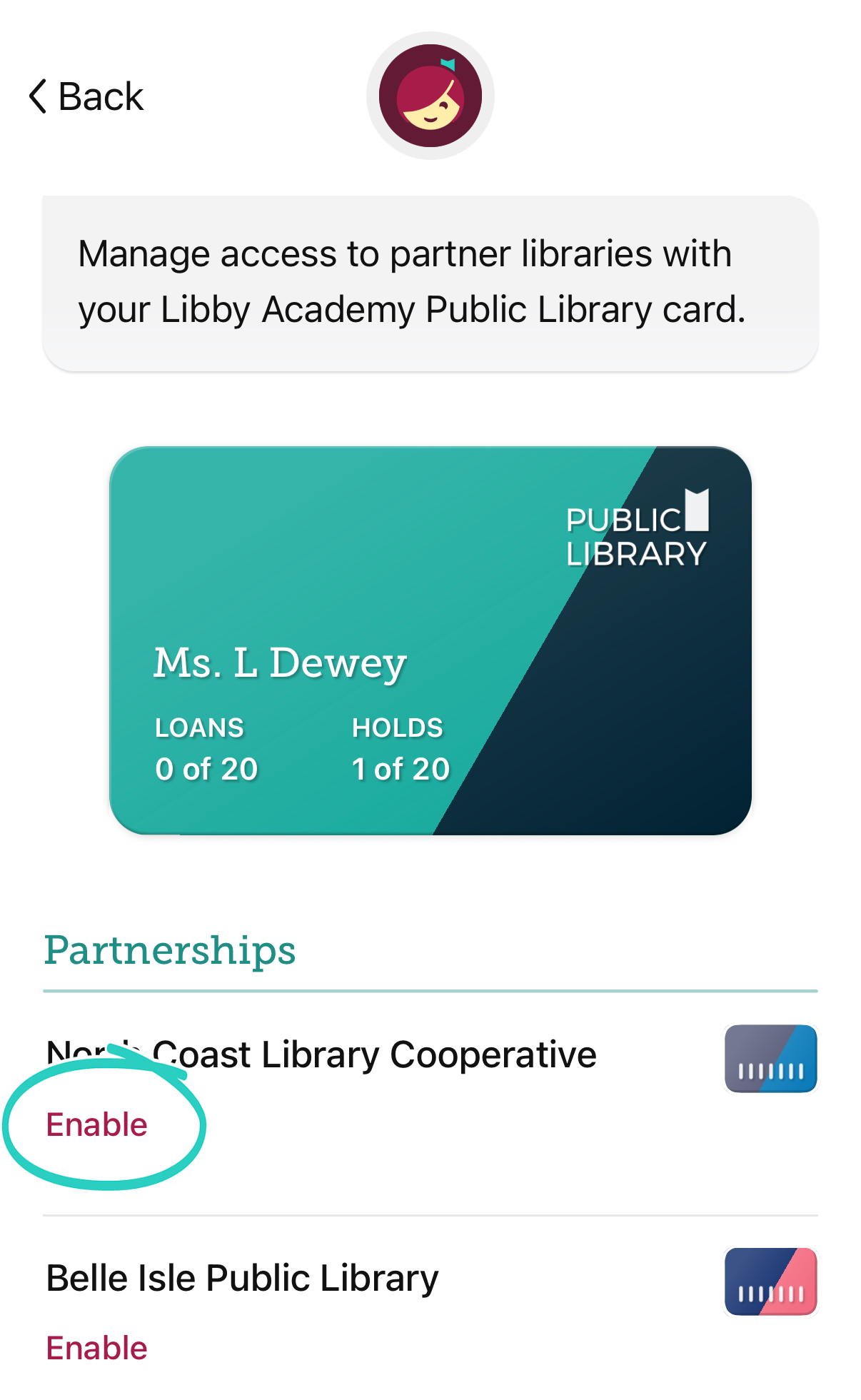
If you belong to a library with a lending partnership, you can manually enable partner access to find your current loans and holds from partner libraries. This may be especially helpful when your home library issues you a new card.
To manually enable partner access:
- Go to Menu > Cards.
- If needed, use the library drop-down and select your home library.
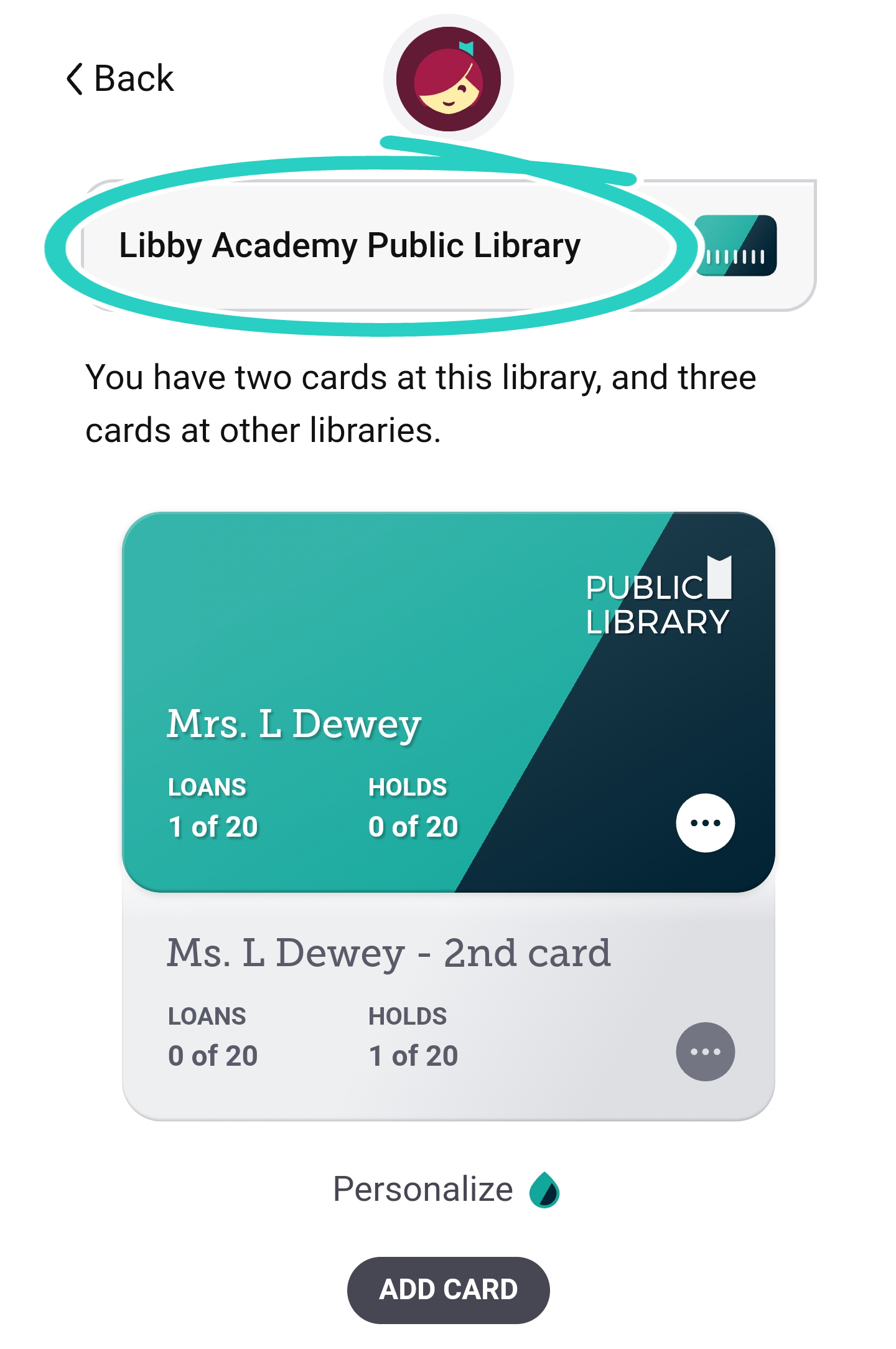
- On the card, tap
 , then Partner Libraries.
 - Tap Enable next to the partner library with loans or holds.
Tip: If you haven't done so already, make sure to remove your old card from Libby.
Once partner access is enabled, your existing loans and holds with those libraries will appear on your Shelf  .
.
Last updated: September 03 2026