
Libby Help
Adding library cards
To add a library card to Libby, tap Library  , then follow the prompts at the top of the screen.
If you'd like to add another card for a saved library, use these steps:
- Go to the Menu, then tap the card by your library's name.
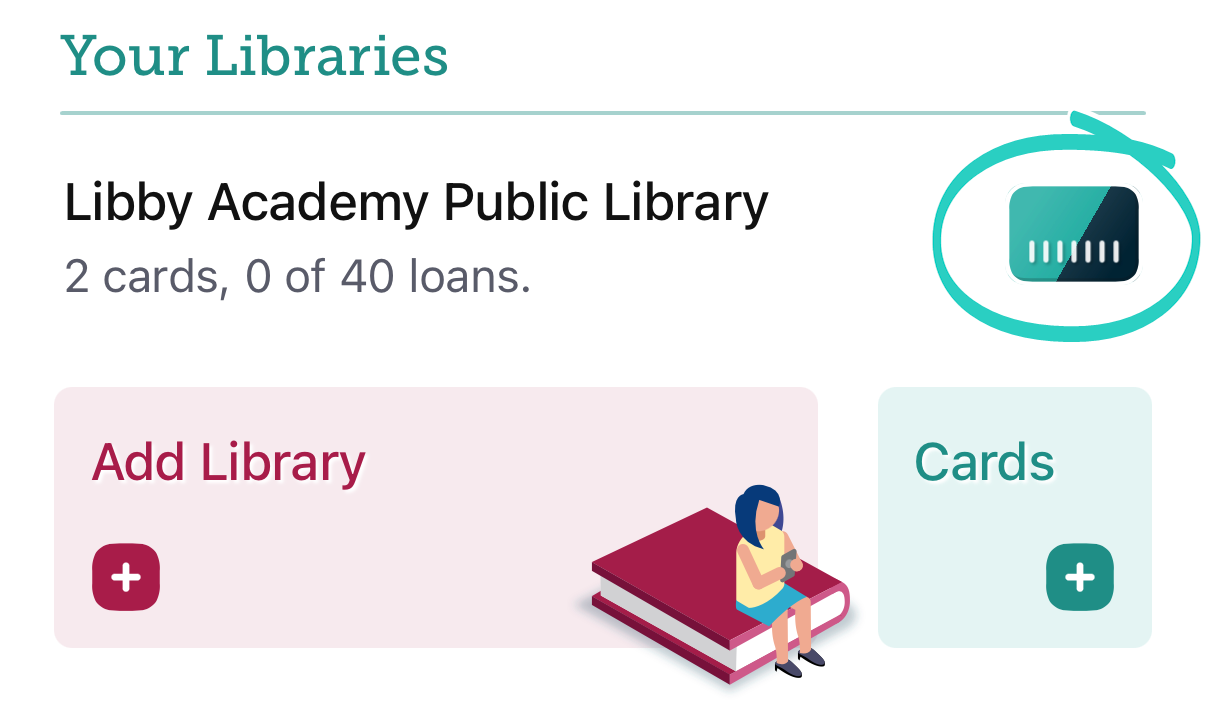
- Tap Add Card and follow the prompts.
 Watch a short video about adding library cards
Last updated: September 03 2026