
Libby Help
Suspending a hold
Suspending a hold keeps your place on a title's wait list if you're not ready to read it. When you suspend a hold, the title will continue circulating among other readers, which helps your library.
Here's how it works:
- When you suspend a hold, you'll continue moving up the wait list. Your hold won't be delivered until you manually unsuspend it.
- You can suspend your hold even if it's ready to borrow.
- Holds will lapse if they're suspended for 365 consecutive days.
To suspend a hold:
- Tap Shelf
 .
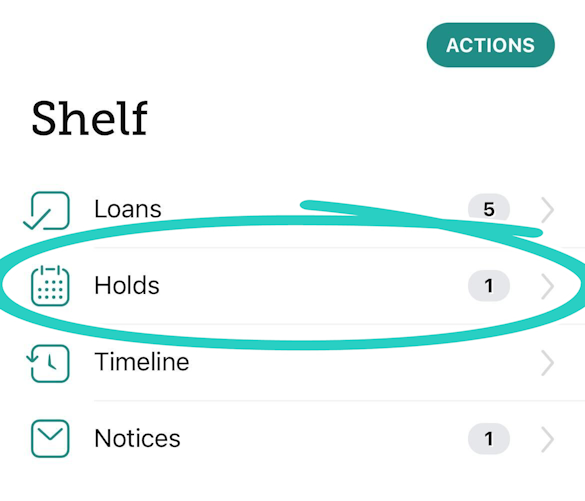
. - Tap Holds at the top of the screen.
- If your hold is ready to borrow, tap Suspend.
If your hold isn't ready to borrow, go to Manage Hold > Suspend Hold. - Tap Suspend Hold again to confirm.
 Watch a short video about suspending holds
Last updated: October 02 2026